UPS
UPS is a reliable shipping and logistics service provider operating in US. Track your UPS packages in real-time with Paxlo for instant delivery updates and notifications.
About UPS
UPS's primary mission is to offer reliable, efficient delivery services for packages and documents worldwide. The company provides comprehensive tracking solutions that allow customers to monitor their shipments in real-time.
Operating in US, UPS handles shipments of all sizes - from small packages to large freight. Each shipment is assigned a unique tracking number, which allows customers to easily track their packages' progress through the UPS system. This feature enhances transparency and provides customers with peace of mind about their shipments.
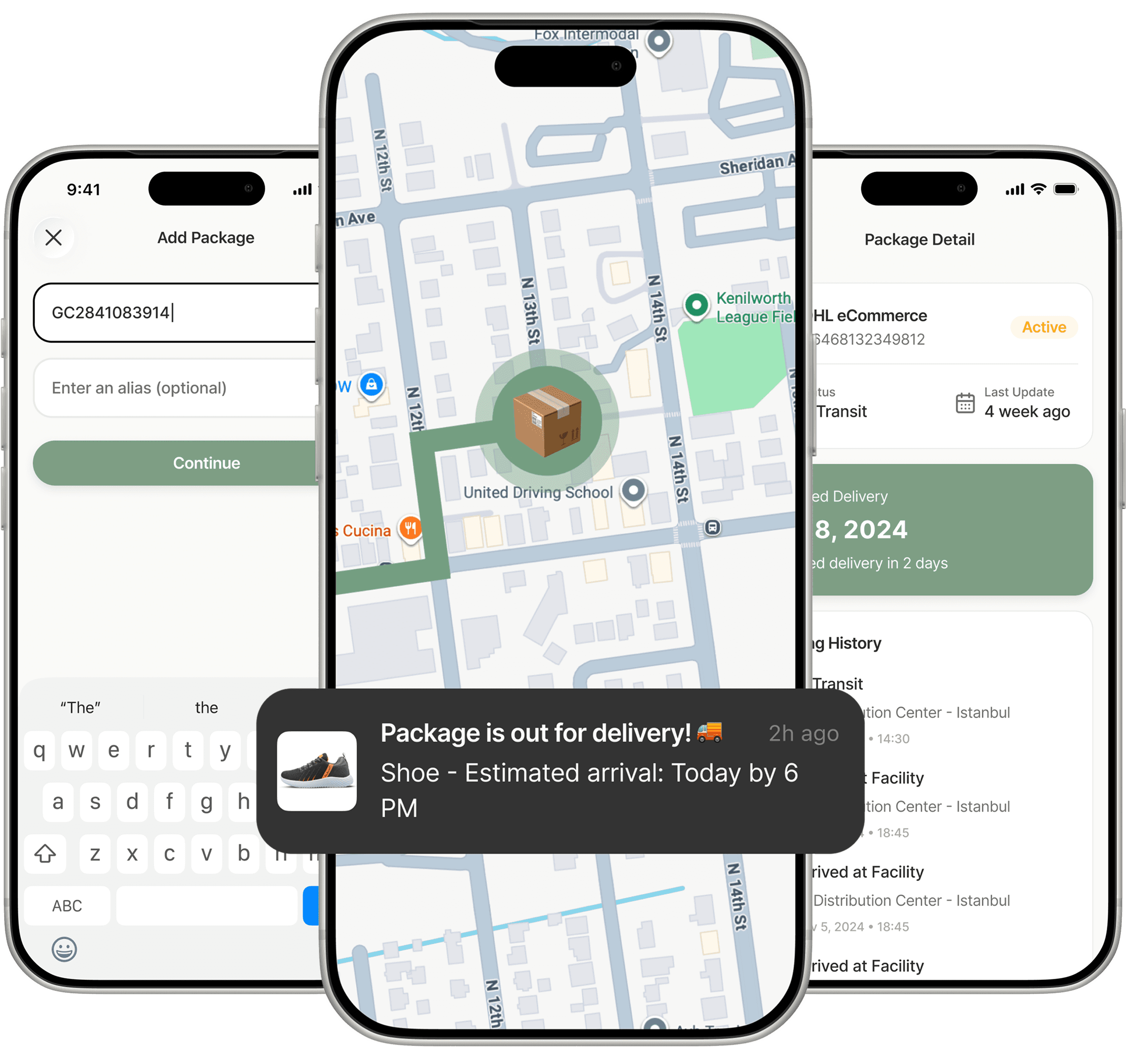
With Paxlo, you can track your UPS packages effortlessly. Simply enter your tracking number and get real-time updates, delivery notifications, and complete tracking history - all in one place.
Steps to track UPS Package
1. Via Paxlo's Tracking Platform
Visit Paxlo - Open the Paxlo app or website
Enter your tracking number - Paste your UPS tracking number. You can track multiple packages at once.
Click "Track" - Get instant real-time tracking updates
Enable notifications - Turn on push notifications to get delivery alerts automatically
2. Via UPS Official Website
Visit the UPS tracking page
Enter your tracking number in the search box
Click the tracking button to see your package status
💡 Pro Tip: Use Paxlo to track all your packages from different carriers in one place, with automatic notifications and delivery history.
UPS Tracking Number Formats
UPS uses various tracking number formats depending on the service type:
Format | Length | Example | Used For |
|---|---|---|---|
Standard | 10-20 characters | 1Z999AA10123456784 | Most common shipments |
Numeric | 12-15 digits | 123456789012 | Domestic packages |
Alphanumeric | 10-15 characters | ABC123456789 | International shipments |
Note: Tracking number formats may vary by region and service type. Paxlo automatically detects the carrier and format.
UPS Tracking Status Meanings
Understanding your package's tracking status helps you know exactly where your shipment is:
Status | Description | What It Means |
|---|---|---|
Label Created | Shipment information received | Sender has created the shipping label. Package will be picked up soon. |
In Transit | Package is on the way | Your package is moving through the delivery network to its destination. |
Out for Delivery | Package is with driver | Your package is on the delivery vehicle and will arrive today. |
Delivered | Package has arrived | Your package has been successfully delivered to the destination address. |
Exception | Delivery issue occurred | An unexpected event has affected delivery. Check details for more information. |
Available for Pickup | Package at pickup location | Your package is ready for pickup at a designated location. |
💡 With Paxlo: Get instant push notifications for every status change, so you never miss an update.
When is UPS Delivery Time?
UPS's delivery times vary depending on the service selected and destination. Typically, deliveries are made during business hours on weekdays.
Standard Delivery Hours:
Residential deliveries: 9:00 AM - 7:00 PM
Business deliveries: 9:00 AM - 5:00 PM
Express services: Earlier delivery windows available
💡 Track with Paxlo to see your estimated delivery time and get notified when your package is out for delivery.
Important Delivery Information
🔔 Missed Delivery
If you miss a delivery attempt, the driver will leave a notice with instructions on how to:
Schedule a redelivery
Redirect to another address
Pick up from a nearby location
📝 Signature Requirements
Some packages require a signature upon delivery. If you won't be home:
Authorize the driver to leave the package
Redirect to a neighbor or secure location
Arrange for pickup at a service point
🌍 International Shipments
For international deliveries:
Customs clearance may add 1-3 business days
Additional documentation may be required
Duties and taxes may apply
Track all your UPS packages with Paxlo for real-time updates, delivery notifications, and complete shipment history.
When is UPS Delivery Time?
UPS's delivery times vary depending on the service selected and destination. Typically, deliveries are made during business hours on weekdays.
Standard Delivery Hours:
Residential deliveries: 9:00 AM - 7:00 PM
Business deliveries: 9:00 AM - 5:00 PM
Express services: Earlier delivery windows available
💡 Track with Paxlo to see your estimated delivery time and get notified when your package is out for delivery.
Important Delivery Information
🔔 Missed Delivery
If you miss a delivery attempt, the driver will leave a notice with instructions on how to:
Schedule a redelivery
Redirect to another address
Pick up from a nearby location
📝 Signature Requirements
Some packages require a signature upon delivery. If you won't be home:
Authorize the driver to leave the package
Redirect to a neighbor or secure location
Arrange for pickup at a service point
🌍 International Shipments
For international deliveries:
Customs clearance may add 1-3 business days
Additional documentation may be required
Duties and taxes may apply
Track all your UPS packages with Paxlo for real-time updates, delivery notifications, and complete shipment history.
Frequently Asked Questions
How do I track my UPS package?
Simply enter your UPS tracking number in Paxlo and we'll automatically detect the carrier and start tracking your package in real-time.
Where is my UPS package?
Download Paxlo and enter your tracking number to see the exact location and status of your UPS shipment with detailed tracking history.
How long does UPS delivery take?
Delivery times vary based on service type and destination. Track your package in Paxlo to see estimated delivery dates and real-time updates.
What is a UPS tracking number?
A UPS tracking number is a unique code assigned to your shipment. You can find it in your shipping confirmation email or receipt.